Class booking
Frequently Asked Questions
New to LBFIT, or just have a question, reach out or check out the FAQs below..
-
Getting started is simple. Book using the Gymcatch booking app either on the website or in the Gymcatch app. Class schedule changes monthly so remember to check back here for changes.
-
If you want to see your classes via the booking app on the LBfit site, please make sure you’ve logged in via the ‘log in’ option in the top right.
If you’re looking at the Gymcatch app, click on My Bookings to view your upcoming classes or bootcamp sessions.
-
If we’ve sent you an email asking you to register, please sign up for an account in gymcatch and then click partipcation waiver and fill in the details. You’ll be ask to complete a seperate health questionnaire though a Microsoft Forms link. Don’t forget to return to Gymcatch after completing the Health Questionnaire and hit ‘next’ to submit your details.
-
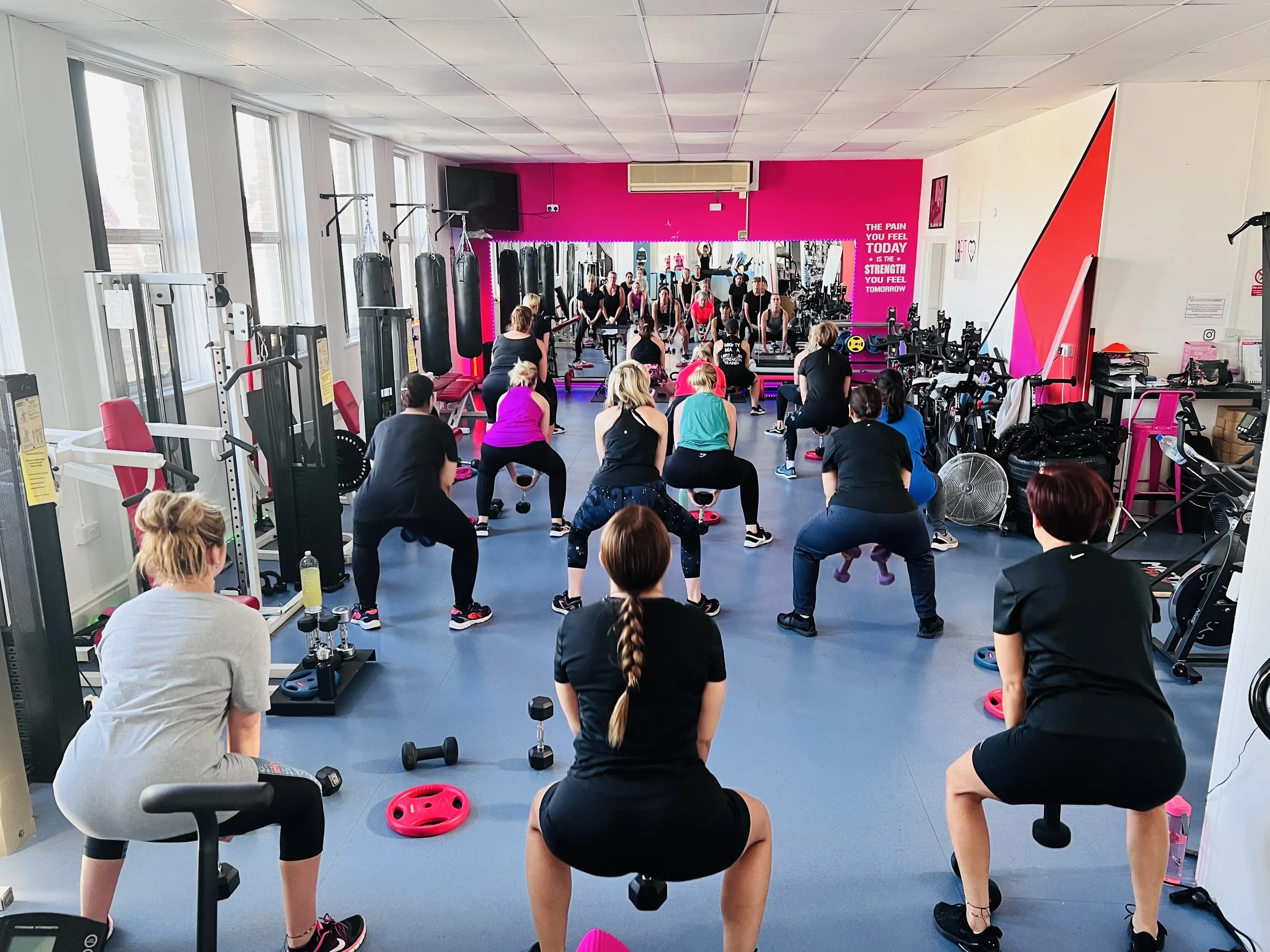
Yes! We are proud to be a women only gym. suporting women in Watford (and beyond).
We also offer a teenage girl bootcamp - get in contact for more details!